[Training Video] Localizing One Manual Video into Several Languages
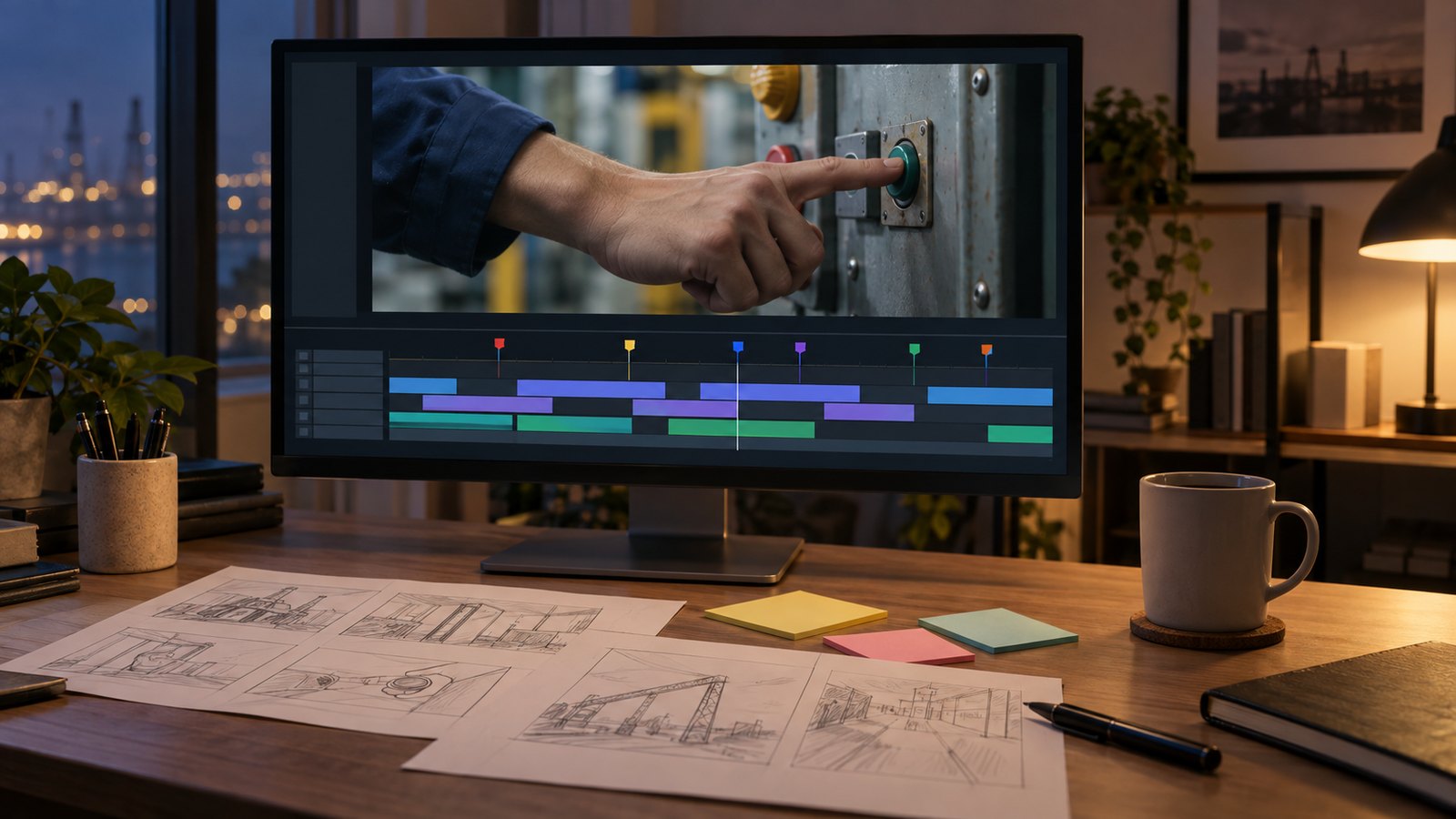
Turning a training video into other languages follows a fixed order. Lock the source script first. Translate it, then have a native speaker from the site check the terminology. Record the dubbing, replace subtitles and every piece of on-screen text, and finish with a review by someone at the local plant. The first step matters most. If the script keeps changing, every language has to be rebuilt.
Why lock the script before translating?
A localized version is not a copy of the original. It is a branch that grows from the source script, and every language branches from the same root. Change one sentence in the source and the translation, the voice track, the subtitles and the on-screen graphics change in every language at once. So when a manual video is going to be localized, we finish and freeze the source script before any translation starts.
Alongside the script we build a terminology list: equipment names, part names, figures and units, warning phrases. One table keeps the translator and the on-site reviewer using the same words, and within one video each part is called by one name only. Our rule of one piece of information per scene also matters more in localized versions. When a sentence gets longer in another language, the subtitle should still not cover the picture.
Who translates, and who reviews?
The safest setup is a professional translator for the translation and a native speaker who works at the site for the review. A dictionary-correct translation and the words people actually use on the floor are often different. The nicknames workers use for a machine, the tone of a safety warning and the level of formality are things only the site knows.
We followed exactly this order for the ten capsule-process manual videos we produced for the new KT&G plant in Indonesia, made to train local workers. We completed the Korean source videos first, translated the script into Indonesian and then adjusted it to local usage. After that we added the Indonesian voice track, replaced all subtitles and graphics with Indonesian versions, and closed with a review that checked narration, subtitles and picture together. The goal was a video that could be used for training without an interpreter, so the separate local-usage pass after translation was the key step.
Human voice or AI voice for the dubbing?
We use both. The deciding question is how often the video will change. When equipment or procedures are revised, the manual video has to be revised too, and booking a voice actor again for a single corrected sentence takes time. For manuals that change often, an AI voice is easier to operate: when the script changes, only that sentence is regenerated and dropped in. The Indonesian manuals above were voiced this way so that later script changes would be easy.
AI voices do need a native speaker to listen to technical terms and proper nouns. How numbers, abbreviations and model names are read aloud differs by language. For videos where emotion carries the message, or a CEO greeting that is made once and used for years, a human voice fits better. Either way, we set the voice pace a little slower than the Korean version. The same content usually runs longer in English or Indonesian than in Korean.
How are subtitles and on-screen text handled?
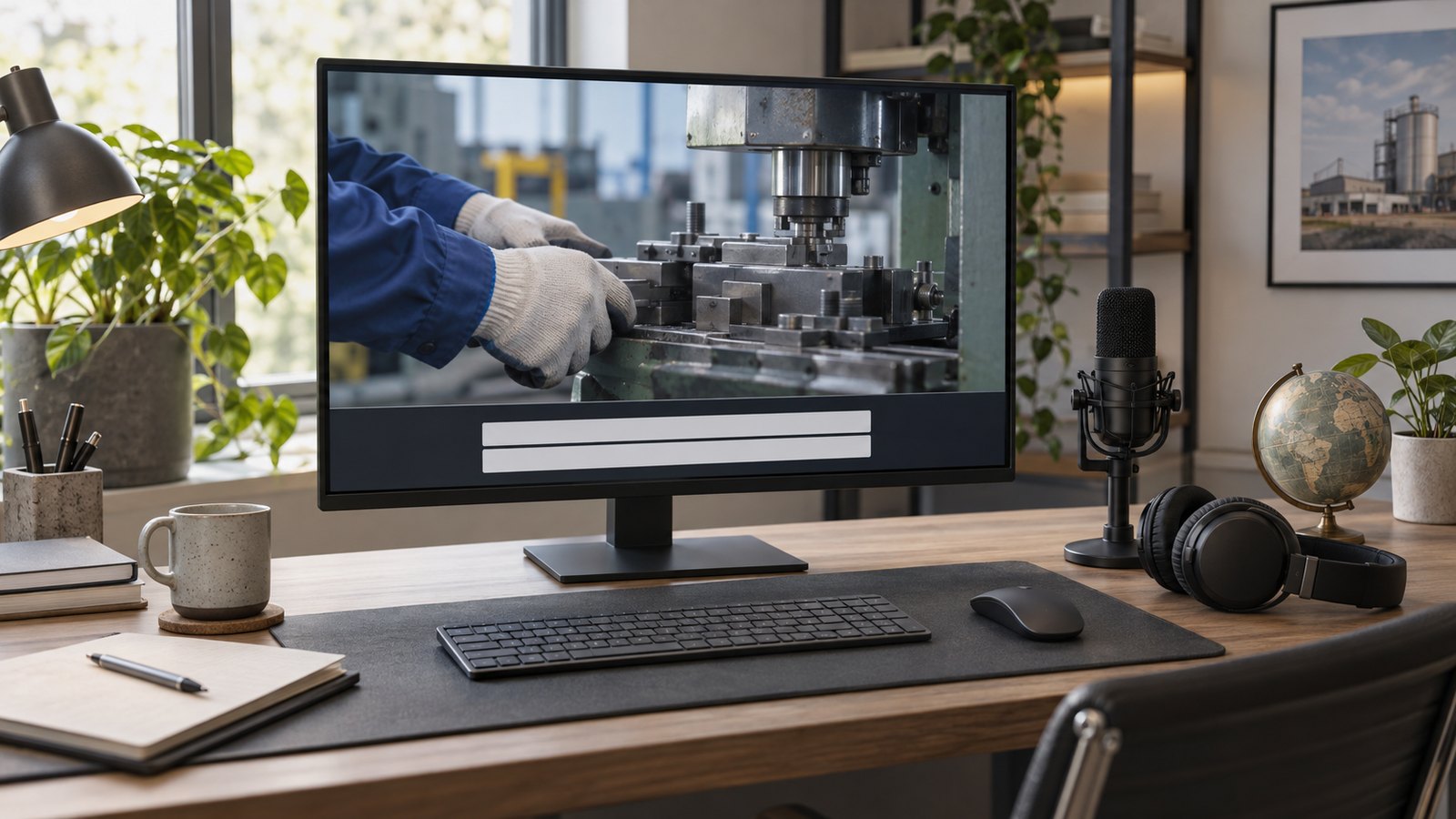
Subtitles are not the translation pasted onto the picture. Line length and display time are reset for each language. One line of Korean often becomes two lines of English, so sentences are split around how many characters fit on screen at once. Once subtitles pass two lines, workers read text instead of watching the hands, and the point of a manual video is lost.
Every piece of text inside the picture is replaced as well. Step numbers, button labels, warning marks and tables of figures that were added as graphics need their own version per language, separate from the subtitles. If this text is kept as editable layers in the project rather than burned into the footage when the source video is made, localizing later is a matter of swapping text. Right-to-left languages such as Arabic need their own check of subtitle alignment and layout, and fonts should be confirmed for each language before delivery so nothing renders as broken characters.
What changes when the footage is shot locally?
Flying a crew from Korea to an overseas plant for every update is rarely practical. The realistic approach is local filming and editing in Korea. One example is the roughly thirty videos we edited for the KT&G plant in Indonesia, covering the maker, filter and cigarette-making machines. The local team sent their raw footage, we organized it shot by shot and added Indonesian subtitles and narration. Because the local team had already prepared shot lists and narration notes while filming, thirty videos went through smoothly.
For this to work, send a one-page filming guide before the shoot: which scenes, from which angle, for how many seconds, and which hand movements and indicator lights must be visible. That cuts down on reshoots for missing scenes. We compare filmed and graphic approaches in our guide on filmed versus motion-graphic manual videos. The full process is on our training video and LMS page, and you can see how finished videos look inside a company training site in the training site demo. Real projects are in our portfolio.
FAQ
How many languages can one video be made in?
Once the source script and terminology list are locked, there is no technical limit. Each language still needs its own translation, local review, dubbing and subtitles, so most clients start with the one or two languages they need for training right now and add more later.
Can you add a foreign-language voice track to a video we already have?
Yes. If the video contains Korean or other text as graphics, those parts have to be replaced separately, and the scope depends on whether the original project files still exist. Send us the video and its script and we will tell you what needs changing first.
Can we handle the dubbing in-house and ask you only for translation?
Yes. Some clients take translation and subtitles from us and record the voice at their local subsidiary. In that case we deliver the script with scene timings so your team can match subtitle timing and sentence length to the recorded pace.
If you are planning training videos for an overseas plant or for workers who speak another language, send us the source video or documents and the languages you need through our contact page. We work with clients outside Korea and reply in English.