[Manual Video] On-Site Filming or Motion Graphics for Training Manuals?
For a workplace manual video, film on site when learners need to see real hands and real equipment in motion. Use motion graphics when the content is rules, procedures, or numbers that need to be laid out clearly. Many training programs mix both. The question is not which method is better, but what the viewer needs to see on screen.
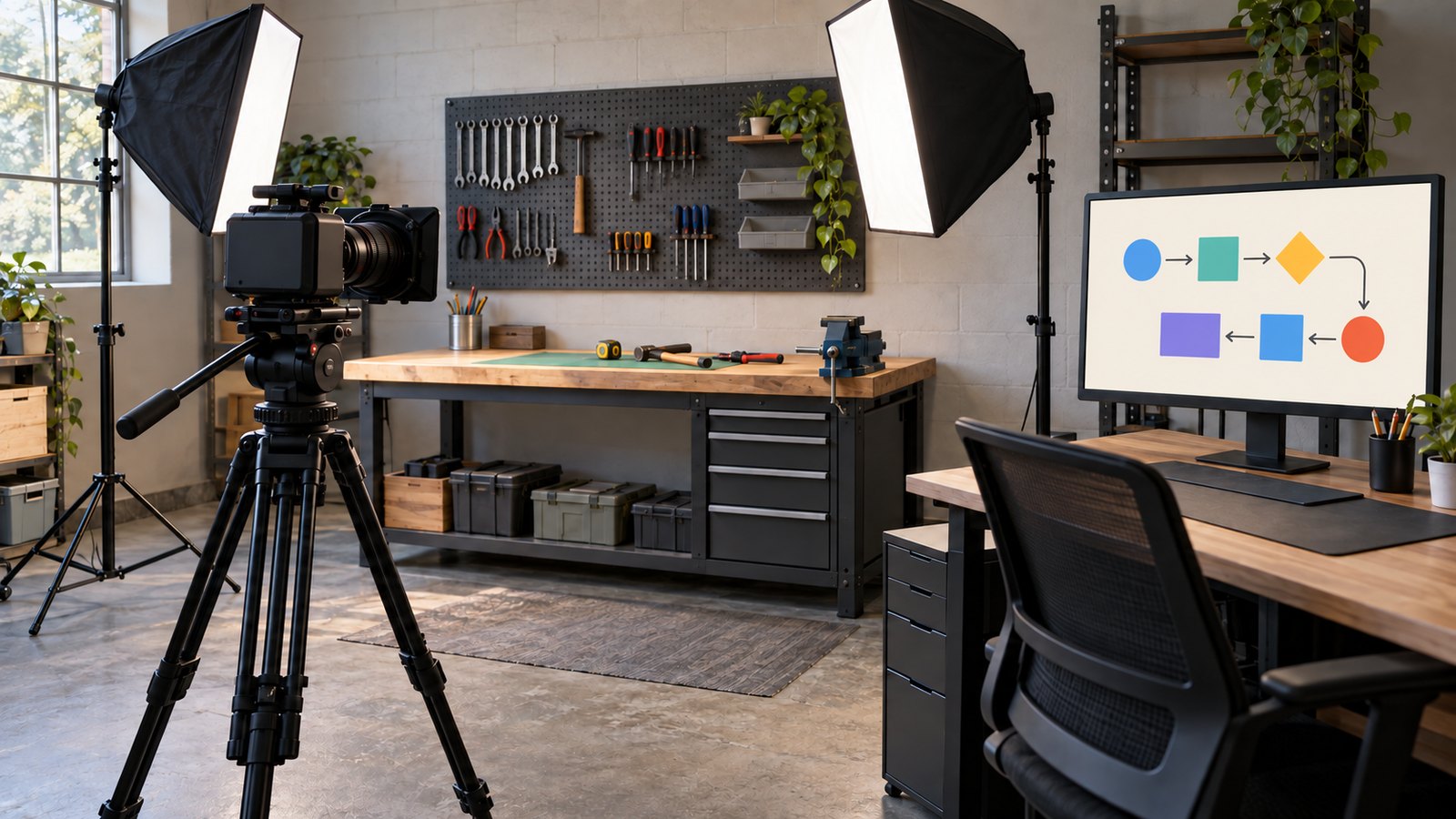
When should you film on site?
Filming works best for hands-on tasks, the actual order of operating equipment, and anything judged by sound or feel. The direction a part goes in, how hard to pull a lever, the difference between a normal machine sound and a warning sound: these are hard to explain with drawings. Staff who have seen the real site feel less lost the first time they stand at the workstation.
Filming is the right call for:
- Tasks where hand movement and tool order are the core skill
- Content where people need to learn locations, walking routes, and safety zones by sight
- Multiple sites using the same equipment, where the real setup is the shared reference
The trade-off is scheduling. A line may need to pause, workers need to give up time, and secure areas need filming approval. Also plan for reshoots when a procedure changes.
When are motion graphics the better choice?
Rules, documents, schedules, threshold values, and decision flows are better shown as graphics. The same goes for content where filming shows nothing useful, or where the site cannot be shown at all.
- Fixed steps and items: application procedures, approval stages, required documents
- Numbers people must remember exactly: tolerances, inspection intervals, deadlines
- Decision flows such as "if this, do A; if that, do B"
- Facilities or screens that cannot be filmed for security reasons
A graphics video can be made from documents alone, with no site visit, and when content changes you only update the affected scenes. Many productions now add AI images for site atmosphere, plus AI narration and subtitles. AI images do not show your actual equipment accurately, though, so they should not be used to teach hand movements or machine operation.
One graphics-based example is a funding program guide VisionPencil made in-house. It turns a single public notice into a 1 minute 38 second video using motion graphics, AI scene images, AI narration, and subtitles. You can watch it in our portfolio.
How do you split a program between the two?
Within one course, each video can use a different method. Here is the order we use:
- Break the manual into tasks, and write one line on what the viewer must check in each.
- If that line is about "how it moves", mark it for filming. If it is about "what, when, how much", mark it for graphics.
- Group all filming items and book the site in one block. Fewer shoot days means less disruption.
- Overlay key numbers and warnings on filmed videos as graphic captions so they read precisely.
Done this way, the filming share is often smaller than expected. Office training built around documents and rules is mostly graphics. Production and equipment training leans more on filming.
What changes for multilingual training?
If foreign staff will watch the videos, decide early how on-screen text will be handled. Graphics videos can swap on-screen text per language, so new language versions are straightforward. Filmed videos usually keep signs and equipment labels as they are, and change only narration and subtitles per language.
So if more languages are planned, add any text that must be read as a graphic layer on filmed videos. It saves work later. Our approach to training videos and company training sites is covered on the training video and LMS page, and the training site demo shows how the videos look in use.
FAQ
Can you make a manual video from documents alone, without filming?
Yes, if the content is mainly rules, procedures, documents, or schedules. We build it with motion graphics, AI images, and AI narration. For parts that teach hand movements or equipment operation, filming should be considered as well.
What if the site is a secure area and filming is restricted?
You can film only hand movements at angles that do not reveal the facility, or switch those videos to graphics. Filming scope and who can view the videos are agreed with the responsible team before the shoot.
Which method suits procedures that change often?
Graphics are easier to update, because only the changed scenes are remade. For filmed content, keep videos short and split by task from the start, so you can reshoot just the affected video.
If you want to know how your manual could be split, send us its table of contents through our contact page. We work with clients outside Korea and reply in English.