[Training Video] Which Onboarding Videos Should a Company Make First?
New-hire training videos should not be made all at once. Set priorities and start small. Three criteria decide the order: the tasks you teach over and over, the tasks new hires get wrong most often, and the tasks where a mistake can hurt someone. Make videos first for the tasks that hit more than one of these, use them with real new hires, and then expand.

Why not make every onboarding video at once?
Companies that want to move onboarding to video usually already have plenty of training material. Trying to convert all of it means months of planning, and by the time the last video is done, procedures have changed and the first videos need fixing. And before you have used video training at all, you do not yet know what length works, where new hires actually watch, or how senior staff will use the videos alongside them.
So start with a handful of videos and use them in real onboarding. You quickly learn which parts video handles well and which parts still need a colleague standing next to the new hire. Choose the next batch based on that, and far fewer videos get thrown away than with a big upfront build. We explain how to set the length of each video in how long a training video should be.
Criterion one: which tasks do you teach again and again?
Some tasks get explained by a senior colleague every time someone new joins: entry and attendance procedures, logging in to internal systems and submitting approvals, the order for switching equipment on and off, daily checks. These rarely change, yet each person explains them a little differently. Put them on video once and every new hire hears the same explanation, while senior staff spend their time answering questions instead.
Office procedures and company policies belong here too. The employee stock manual video we made for ISU Petasys explains an internal policy to all staff using the company's existing PowerPoint material and a professional voice-over. Because it was built on slides that already existed, there was little new writing to do. For tasks done on screen, such as internal systems, screen recording works well. In a self-produced example based on public material, we walked through registering an organization administrator on a Korean government grant management system step by step, so a viewer can pause and follow along exactly.
Criterion two: how do you find the tasks new hires get wrong?
The fastest way is to ask floor managers and people who joined in the last year or two. Ask them to list what confused them most in their first weeks, and which tasks new hires often have to redo. The same items tend to come up more than once. Defect, rework or customer inquiry records, if you keep them, make the list more precise.
Error-prone tasks also change how the video is built. It does not just show the right sequence. It stops at the point where mistakes usually happen and makes the check at that moment large and clear on screen. Hand positions and indicator lights, which are hard to describe in words, come across best in close-up footage. We compare filmed and graphic approaches in our guide on filmed versus motion-graphic manual videos.
Criterion three: why put safety-critical tasks first?
A task you can simply redo and a task where a mistake can injure someone do not carry the same weight. Reaching into a machine, inspections that require cutting power first, and handling chemicals must be understood correctly from day one. These go near the top even if they are not frequent. The video clearly shows the hazard points, the protective equipment to wear and the situations where work must stop.
Putting all three criteria in one table makes the order obvious. List tasks down the side and mark repetition, error frequency and safety risk as high, medium or low. Any task with two or more highs belongs in the first batch. Starting with roughly five to ten videos keeps the first round small enough to test and judge.
How do you expand after the first batch?
After using the first batch in onboarding, gather feedback from both new hires and their senior colleagues. Could they follow the task from the video alone? At which scene did they still ask for help? The answers tell you what to fix in the next batch. Many companies then expand to role-specific advanced courses, courses for employees changing roles, and foreign-language versions for international staff. For the last of these, see our guide to localizing manual videos with dubbing and subtitles.
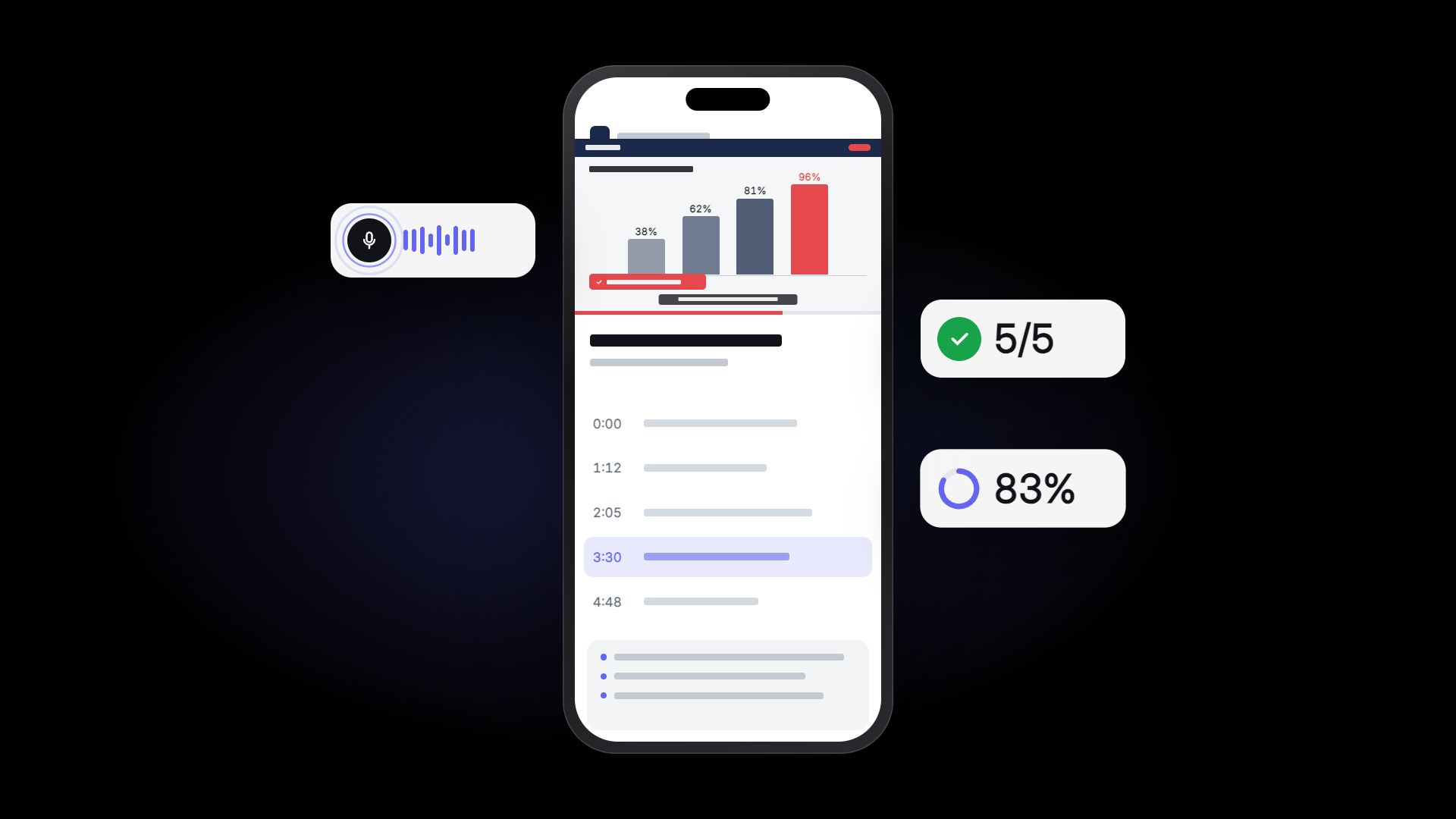
Once you pass about ten videos, you also need a place to host them and a way to see who has watched. You can see how a company training site shows each new hire's progress and quiz results in our training site demo. The full production process is on our training video and LMS page.
FAQ
How many videos should the first batch include?
As many as there are tasks with two or more highs when you score your task list against the three criteria. If that list is long, we suggest trimming it to roughly five to ten of the highest-priority tasks and planning the next batch after using them.
Our only training material is PowerPoint. Can that become video?
Yes. We can turn the slides into a script and add narration and graphics, and add filming where real work scenes are needed. Send us the material and we will suggest the right approach first.
Do we have to remake videos when procedures change?
Not if the videos are split short from the start. Keep one task per video, and when a procedure changes you only remake that one video.
If you are deciding where to start with onboarding videos, send us your task list or existing training material through our contact page. We work with clients outside Korea and reply in English.