[Manual Video] What to Prepare Before Ordering Manual Videos
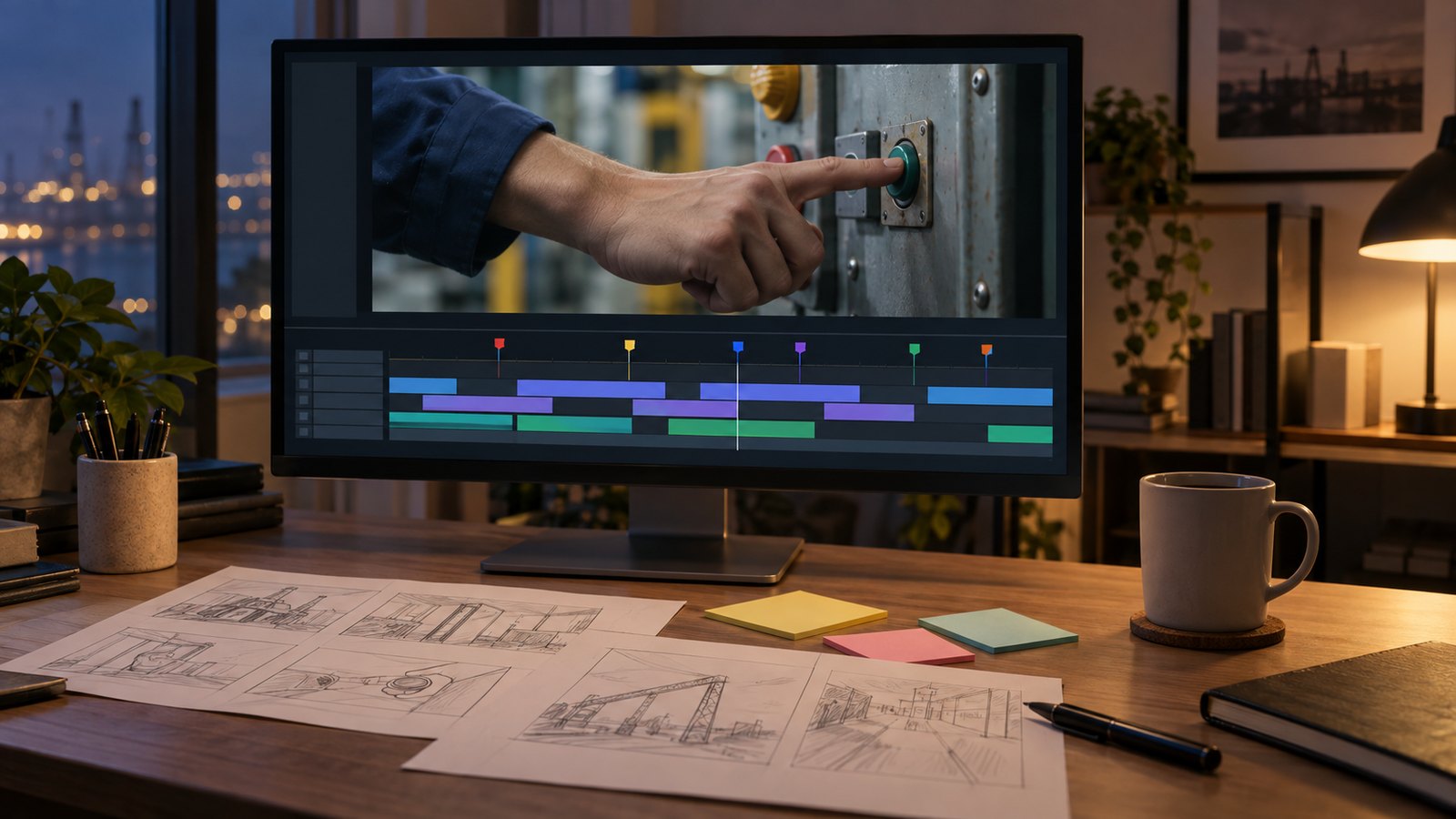
Before you order manual or training videos, seven things are worth gathering: the source documents, any existing manuals, photos of the site, screen recordings, a terminology list, the people who will review, and access to the equipment for filming. When these are ready at the start, the script is locked sooner and less time is lost to questions and waiting during production.
Which documents should we send first?
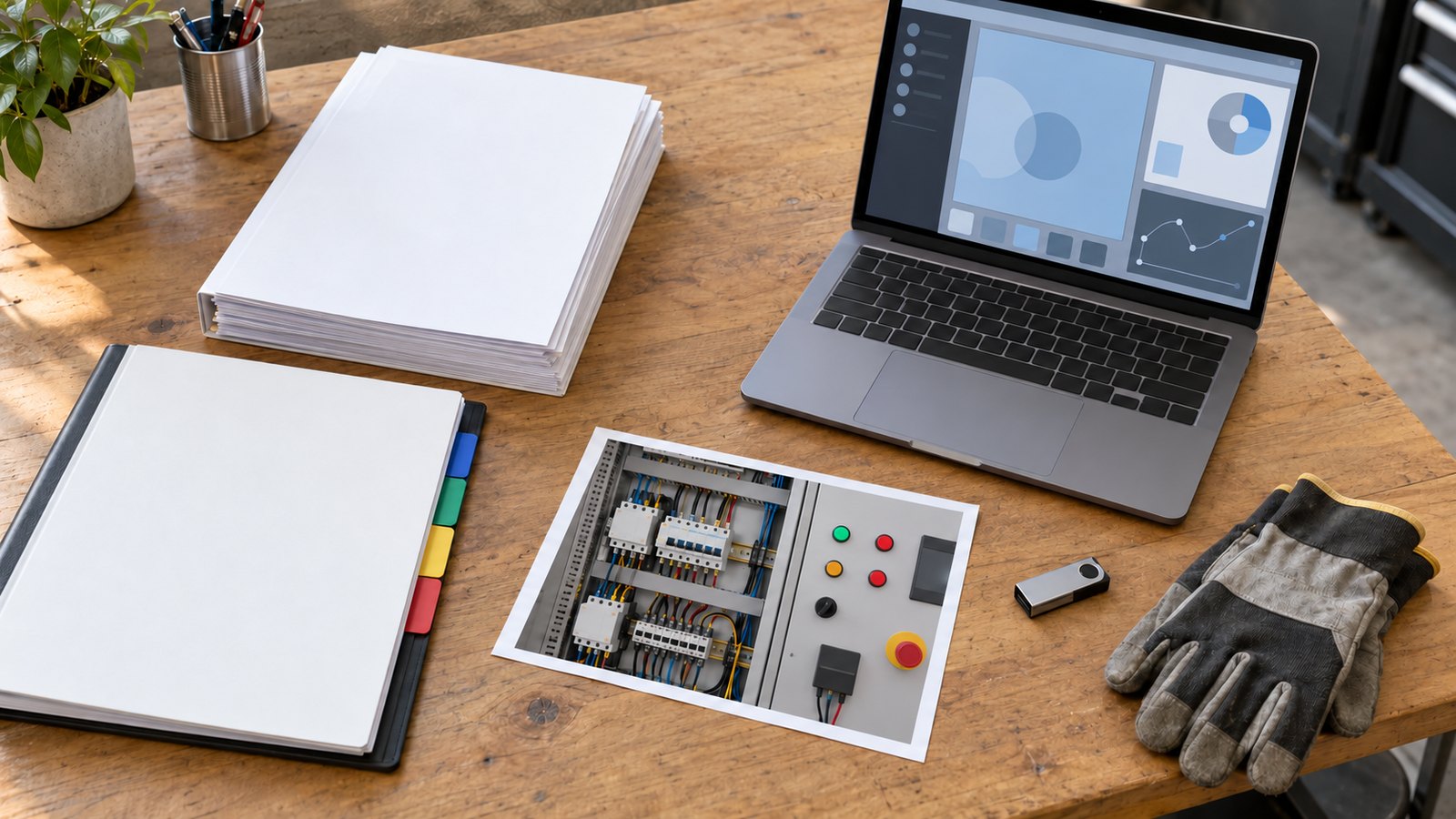
Start with the document that defines what the video explains. That might be a work standard, an equipment operating manual, an internal policy or a user guide for a software system. If you have several, mark which one is current and official. The same procedure is often written slightly differently in different documents.
Send any training material you already use as well: onboarding slides, checklists posted on the floor, older training videos. Rough is fine. These show what your team actually teaches first and in what order, which gives the script its skeleton. If the source is long, this is also when we decide how many videos to split it into. We explain how we split content in our guide to training video length.
Why do photos and screen recordings matter early?
A scriptwriter who cannot see the site tends to write in general terms. Even phone photos of the whole machine, the controls and indicator lights, and the spots where people often make mistakes let us plan scenes far more precisely. A file name or short note saying what each photo shows matters more than image quality.
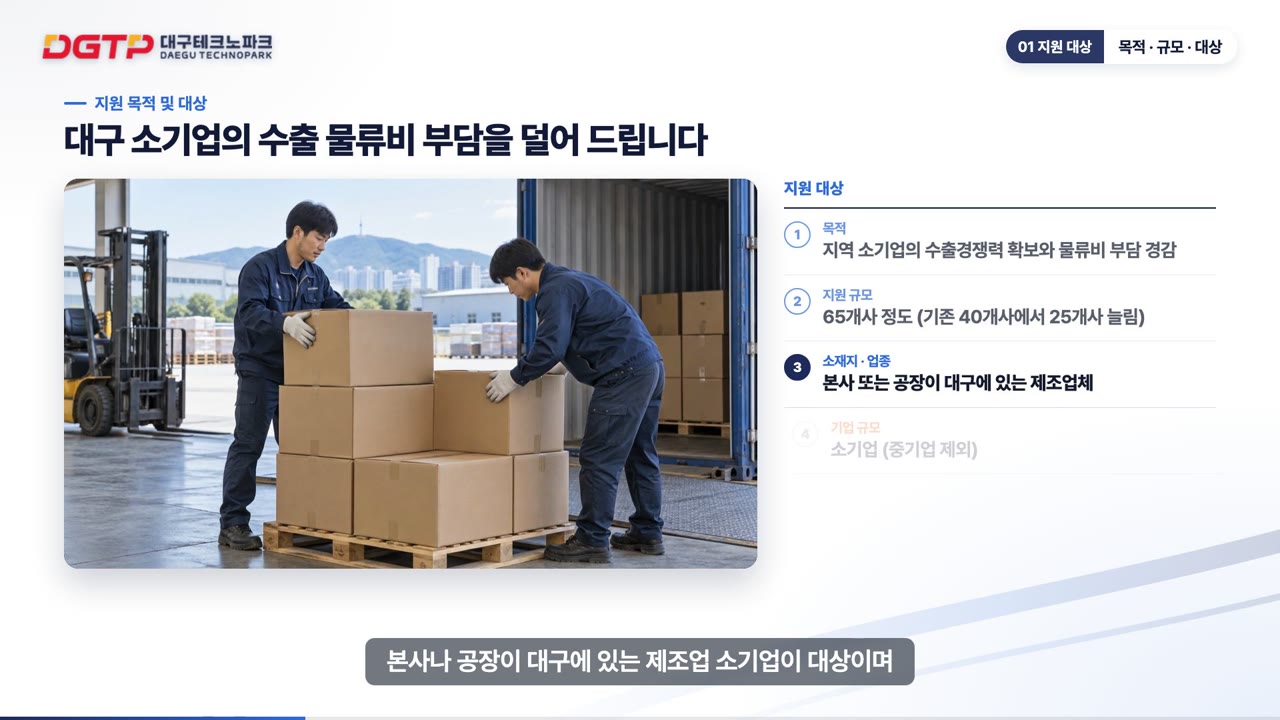
For software or online system manuals, a screen recording does the same job. One recording that walks through the real task from start to finish shows exactly which menu people get stuck on and how each screen changes. One of our own sample manuals, on registering an organization administrator in Korea's national subsidy management system, covers two routes: applying without attachments, and applying with three scanned documents. When one task has branches like this, each branch needs its own screens checked, so record each case separately. If personal or internal data appears on screen, record with a test account or mask it before sending.
How should we build the terminology list?
One spreadsheet is enough. List equipment and part names, the nicknames used on the floor, abbreviations, units and any warning phrases that must be quoted exactly. Documents often use the formal name while workers use a nickname. Inside the video one name should be used consistently, and your team is best placed to choose which.
If you plan foreign-language versions later, this list matters even more, because the translator and the local reviewer work from the same table. Leaving an empty column for the translated term from the start is a good habit.
Why decide reviewers and filming access at the start?
The slowest part of a manual video project is usually not production but sign-off. If nobody is named to review the script, it travels between departments, comments pile up and requests contradict each other. Name one subject expert who checks accuracy and one owner who gathers feedback and makes the final call. Things move much more smoothly.
If the video involves filming on site, book access to the equipment early. Running lines are hard to stop, you need someone to demonstrate, and restricted areas have their own entry procedures. A short note with available dates and times, the demonstrator, entry rules and areas that must not be filmed prevents missing scenes on the day. If a machine cannot be filmed, it can be shown with motion graphics instead. We compare the two in our guide on filmed versus motion-graphic manual videos.
Can we start if some materials are missing?
Yes. Few companies have everything in perfect shape. If documents are outdated or there are no photos, we identify the gaps together in the first meeting and agree on how to fill them. Two things do need to be settled before work begins: the source document and the reviewer. Without them, a script can be revised many times and still not be final. The full process is on our training video and LMS page, and examples of our work are in our portfolio. You can see how finished videos look inside a company training site in the training site demo.
FAQ
What file formats can we send?
Whatever your team already uses: PDF, Word, Excel, PowerPoint, photos and video files are all fine. If there are many files, sorting them into folders such as source documents, photos and recordings speeds up our review.
Do we need to share confidential documents?
Only the content that will appear in the video. Mask or remove anything that must not be shown before sending. If needed, we agree on a confidentiality arrangement before receiving materials.
Does the reviewer have to be one person?
Several people can read the content. It works best when one person collects their comments into a single response and makes the final decision. When conflicting comments arrive separately, time is lost deciding which to follow.
If you are preparing manual or training videos, send the documents and photos you have now through our contact page. We work with clients outside Korea and reply in English, and we will start by telling you what is already in place and what is still needed.