[Production Q&A] PowerPoint to Training Video: Is a Slide Recording Enough?
When you turn a PowerPoint deck into a training video, rebuilding the slides into a script and scenes works better than simply screen-recording them. A presentation deck assumes a speaker is standing next to it, so the slides are dense. A training video has to work for someone watching alone, sometimes with the sound off. If you already have a deck, it is your best source material. Do not throw it away. Use it to rebuild.

Why isn't a screen recording of the slides enough?
Presentation slides pack a lot onto each page and leave the gaps for the speaker to fill. Record them as they are and viewers either squint at small text and miss the narration, or listen and ignore the screen. Any slide that sits still for more than a minute loses attention.
The second problem is finding things again. People reopen training videos on the job to check one detail, such as which form to submit. A long recording stitched together in slide order makes that hard. So when you move to video, split the content into short units from the start and give each section a clear name.
How does a PPT to video project work?
At VisionPencil we usually work in this order.
- Extract the facts: We pull the numbers, dates, procedures and warnings from the slides and speaker notes. Nothing outside this list goes into the video.
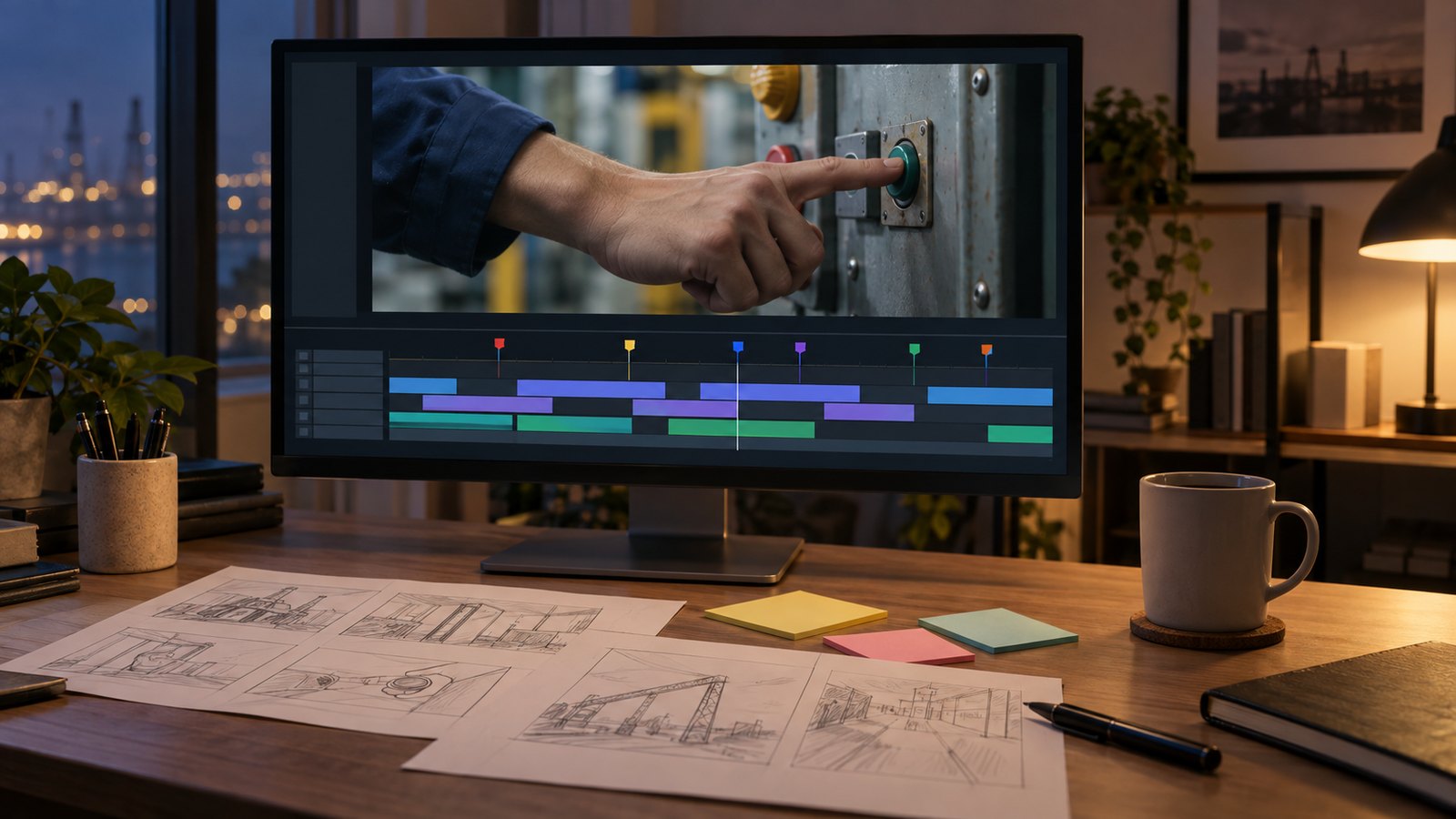
- Write the script: One idea per sentence. One slide often becomes two or three scenes.
- Design the scenes: Tables become table graphics, procedures become step diagrams, key numbers become large cards. On-screen text is cut to what a viewer can actually read.
- Narration and subtitles: After recording, we add sentence-level subtitles so the video still works with the sound off.
- Review: The person who supplied the material checks every number and term, and we rebuild only what changes.
One example in our portfolio turns a single public funding notice from Daegu Technopark into a 1 minute 38 second guide video. The figures, schedule and required documents were taken directly from the source and laid out as tables and step graphics. Whether the source is a PowerPoint deck or a word processor document, the method is the same: pull out the facts, then rebuild them as scenes.
When is a screen recording the better choice?
When the point is where to click. Software and web portal walkthroughs are more accurate as real screen recordings. Several system manual videos in our portfolio work this way. Even then, we do not use the raw capture. We highlight the click targets, add a caption for each step and cut out the waiting time.
In practice, concepts, rules and procedures are rebuilt as graphics, while system operation is shown as a guided screen recording. Many training courses mix both.
What should you prepare before ordering?
The original deck, the speaker notes, and any terminology or brand rules you must follow are enough to start. If there are no speaker notes, a recording of the actual presentation or the trainer's memo works well. Tell us who will watch (new hires, customers, foreign workers) and where (a company learning site, a large screen, a phone). That decides text size and how long each episode should be.
If you need other languages, translate and dub after the source script is final. It keeps revisions small. Finished videos can go on a learning site that tracks progress and quizzes, as described on our training and manual video page. You can try a sample at the learning site demo.
FAQ
How long a video does one PowerPoint deck make?
It depends on how much content the slides hold, not on the slide count. Text-heavy slides split into several scenes, while cover and agenda slides are often dropped. Once the script is written, the running time can be set precisely.
Can you keep our company's slide design?
Yes. We carry over your brand colors, fonts and logo and rearrange them for video. A presentation layout copied as is usually leaves text too small to read, so the screen composition is adapted for video.
If the content changes, do we need to remake the whole video?
Not if it is split into short episodes from the start. You only update the affected episode. Content with frequently changing figures or dates is kept in separate scenes to limit the scope of edits.
If you have a deck you would like to turn into training videos, send us the file type, length and intended audience through our contact page. We work with clients in English.